Is your website ready for AI search? The basics to check
Services, service area, accessibility, structured data, FAQs and trust: the practical basics for a small business that wants to be understood by search engines and AI assistants.
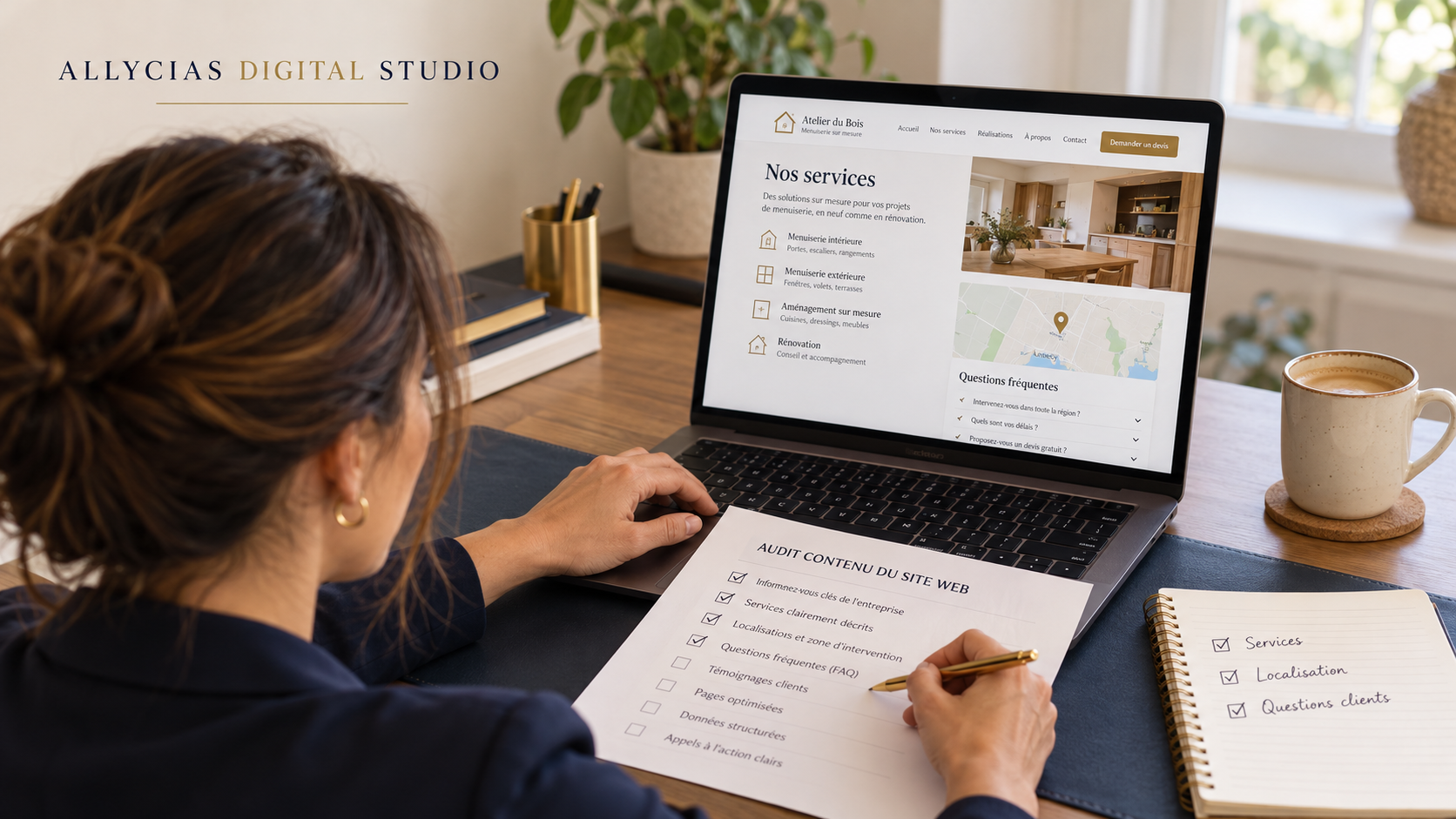
A potential client is looking for an electrician in Geneva who is available on Saturdays. Someone else is comparing florists who can deliver to their town. Whether they use a search engine or an AI assistant, they need precise answers: what services do you offer, where do you work, and how can they contact you?
A website can look polished and still leave these questions unanswered. For a small business, getting ready for AI search starts with a clear, accessible and consistent digital presence.
What does "AI readiness" mean for a website?
In this article, the term describes a practical goal: making your business's essential information easy to find and interpret. It is not a universal certification.
Search systems do not all work the same way. An improvement that helps on Google cannot be used to promise a recommendation in every assistant.
For Google's AI features, SEO fundamentals remain relevant. Google states that no special optimisation is required to appear in AI Overviews or AI Mode. Following best practices does not, however, guarantee an appearance. Source: Google Search Central.
1. Explain your business with concrete information
Start by reading your website as someone discovering your business for the first time. Can they identify your services, your service area and the next step to work with you?
A phrase like "solutions tailored to your needs" says little about what you offer. A concrete description helps readers understand where they stand.
Fictional example, to adapt only to services you genuinely provide:
We carry out electrical installations and repairs in Geneva and Carouge. To check our Saturday availability, please contact us by phone.
This sentence states the activity, the area covered and how to check availability. It avoids promising an immediate call-out if the business cannot guarantee one.
Present important information as text on the page. Google recommends that essential content be available as text for its AI features. Source: Google's guidance on AI features.
2. Check that your pages can be found
Before adding content, check that your service pages are accessible and linked from your navigation or other relevant pages.
To be eligible as a supporting link in AI Overviews or AI Mode, a page must be indexed and eligible to appear in Google Search with a snippet. Google guarantees neither indexing nor display. Source: Google's technical requirements.
In practice, ask whoever manages your website to check indexing in Search Console and spot any unintended blocks. An important public page should not be made inaccessible by a login requirement or a forgotten technical setting.
3. Structure your business information
Structured data is a standardised format that describes a page's content. LocalBusiness markup, for example, lets you tell Google about a local business, such as its opening hours. Google provides examples in JSON-LD, a markup format embedded in the website's code. Source: LocalBusiness documentation.
The markup type should match your business. Contact details, opening hours and other information must remain accurate and consistent with the visible content.
This work deserves a technical check. It is not a passport to being cited by an AI: Google states that no specific Schema.org markup is required for its AI features. Source: Google Search Central.
4. Answer the questions your clients actually ask
A short FAQ can help visitors decide whether your service fits their needs. Choose the questions you receive by phone, by email or in first conversations:
- Which towns do you cover?
- How can I request a quote?
- Do you work by appointment?
- Do you offer weekend call-outs?
- What information should I provide before a first consultation?
Write direct answers and state any important conditions. If a timeframe depends on availability or the type of service, say so.
We recommend this format for its practical usefulness and clarity. It cannot guarantee that an assistant will reuse your answers, nor can it be claimed that FAQs are its preferred format.
5. Give verifiable reasons to trust you
A clear offer should be supported by information visitors can verify: the business's identity, up-to-date contact details, an introduction to the person in charge and accurately described examples of work.
Distinguish client projects from demonstrations. Publish testimonials only with the permission of the people concerned. Also explain how data submitted through your forms is used.
Privacy commitments deserve the same precision as your services. A Swiss-based business may use providers located elsewhere. A promise of exclusively Swiss hosting must therefore apply to the entire processing involved.
Where to start, without a full redesign?
We suggest starting with one important service page. Clarify the offer and the area covered, add answers to the main questions, then have the technical accessibility and structured data checked.
Some improvements can be made on your existing website. How long they take depends on the content available, the tools used and the issues to fix. A diagnostic helps define a realistic scope.
To track the effects, watch the indicators that matter to your business: search visibility, visits to service pages and enquiries received. A score can help organise priorities; it should be interpreted alongside its method and limits.
Take stock of your digital presence
At Allycias Digital Studio, we approach your website as a system: visibility, understanding of the offer, trust and contact must work together.
The Allycias Digital Growth Assessment™ offers a free diagnostic of your digital presence across eight dimensions, including AI readiness. It is a starting point for identifying your improvement priorities.
Get my free digital diagnostic
An AI-readiness diagnostic does not guarantee a ranking, citation or recommendation by any search engine or assistant.
Author
Alice Bourassin
Founder and Digital Systems & Workflow Strategist at Allycias Digital Studio
Alice Bourassin designs digital architecture for Swiss and European businesses: structure, clarity and systems that genuinely support how an organisation operates.
View author page